

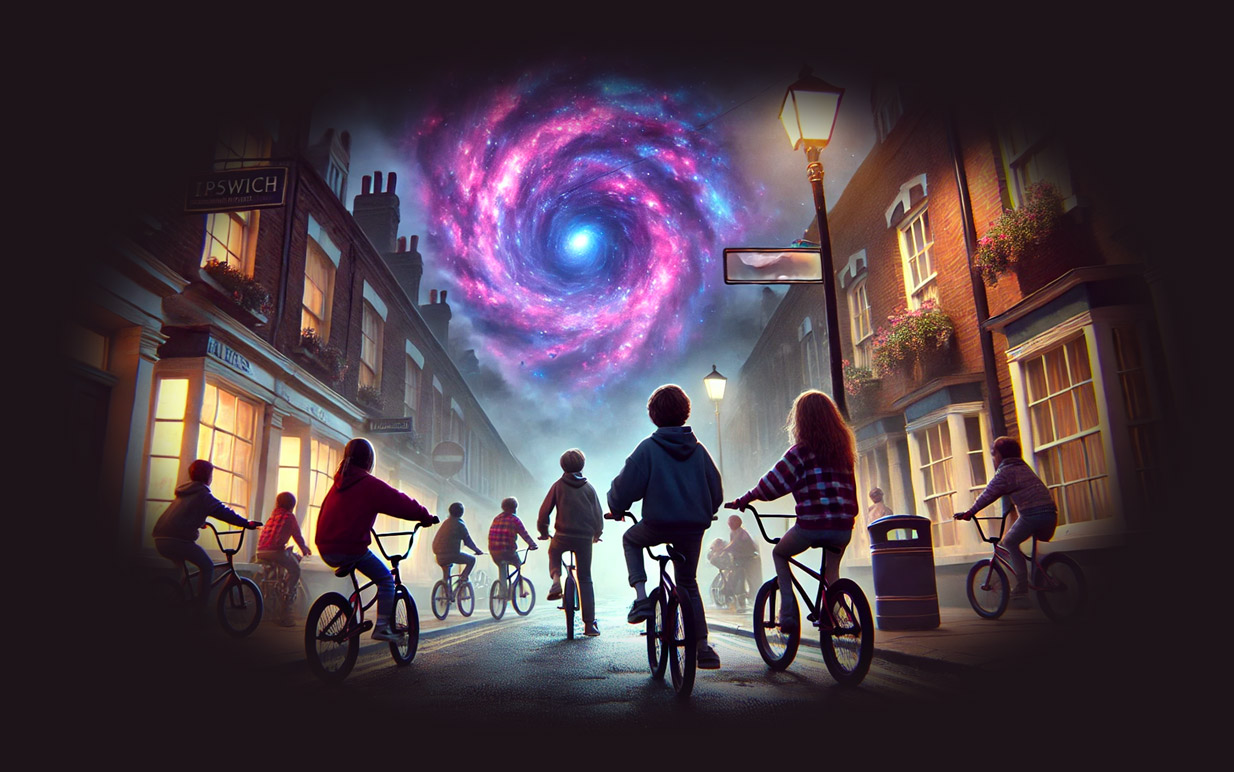
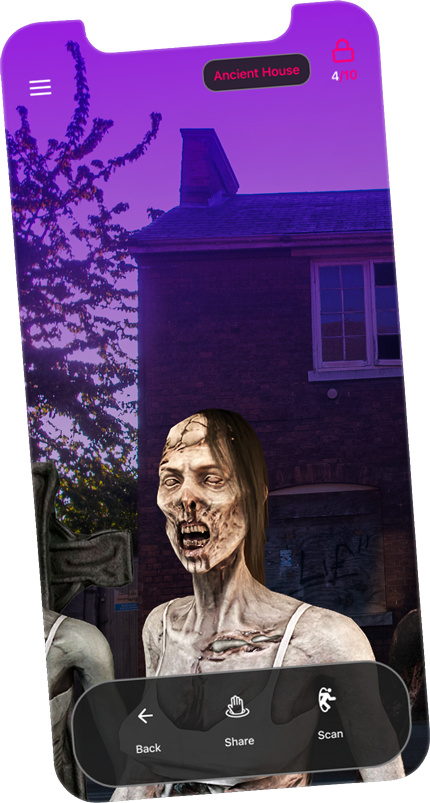


Ghost ships on the Orwell, time-bending portals, doppelgängers, and the cursed legacy of the Witchfinder General. Solve paranormal mysteries, uncover chilling legends, and face the ultimate evil boss in this spine-tingling adventure through Ipswich’s haunted streets.
Are you ready to confront the horrors that lie beneath Ipswich?



For players aged 15 years or older due to horror themed content. Not suitable for young children or those with a weak disposition.